Forced Starting of Display
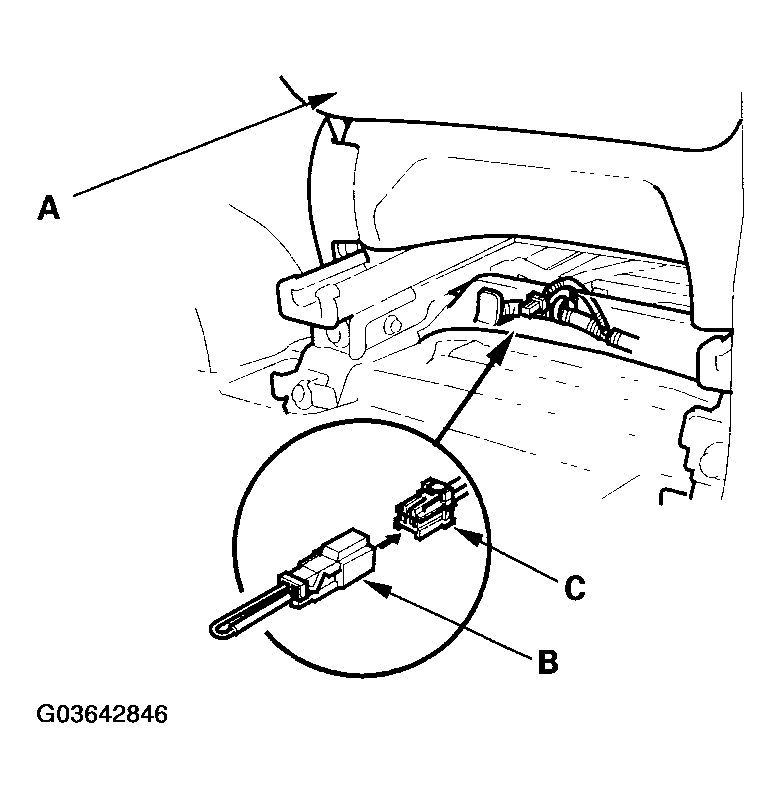
- Slide the passenger's seat (A) forward.
 Courtesy of AMERICAN HONDA MOTOR CO., INC.
- Connect the SCS service connector (B) to the navigation service check connector (C) located behind the navigation unit.
- Turn the ignition switch ON (II).
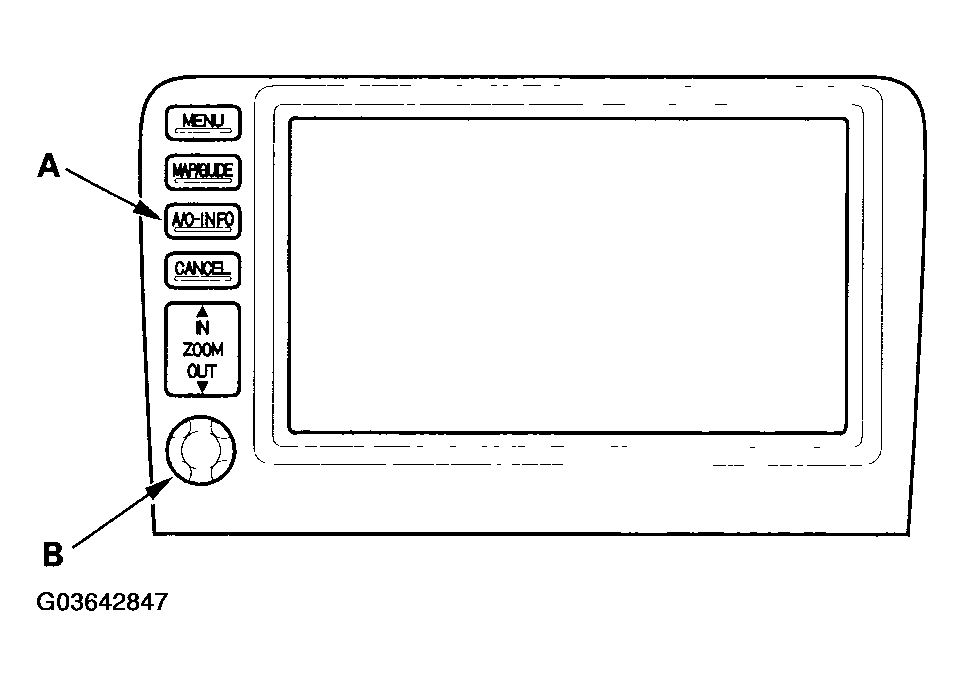
- Check that the system starts up and then changes to the "Navi System Link" screen.
NOTE:
If the system fails to display the "Navi System Link" screen, refer to No picture is displayed (see SYMPTOM TROUBLESHOOTING ).
 Courtesy of AMERICAN HONDA MOTOR CO., INC.