Removal Procedure
- Remove the case side cover. Refer to Case Side Cover Replacement .
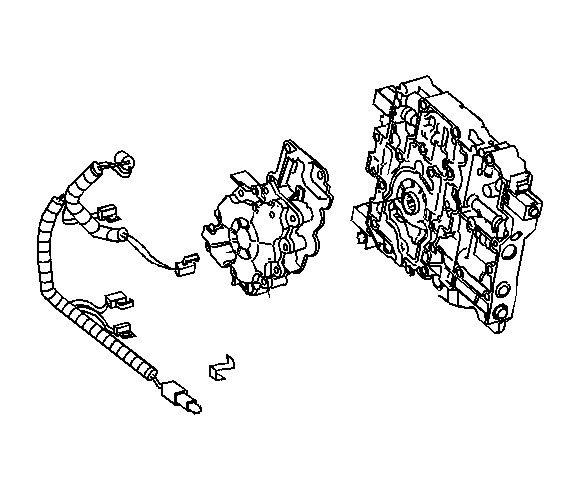 Courtesy of GENERAL MOTORS CORP.
- Remove the wiring harness as necessary.
- Remove the oil pump. Refer to Oil Pump Replacement .
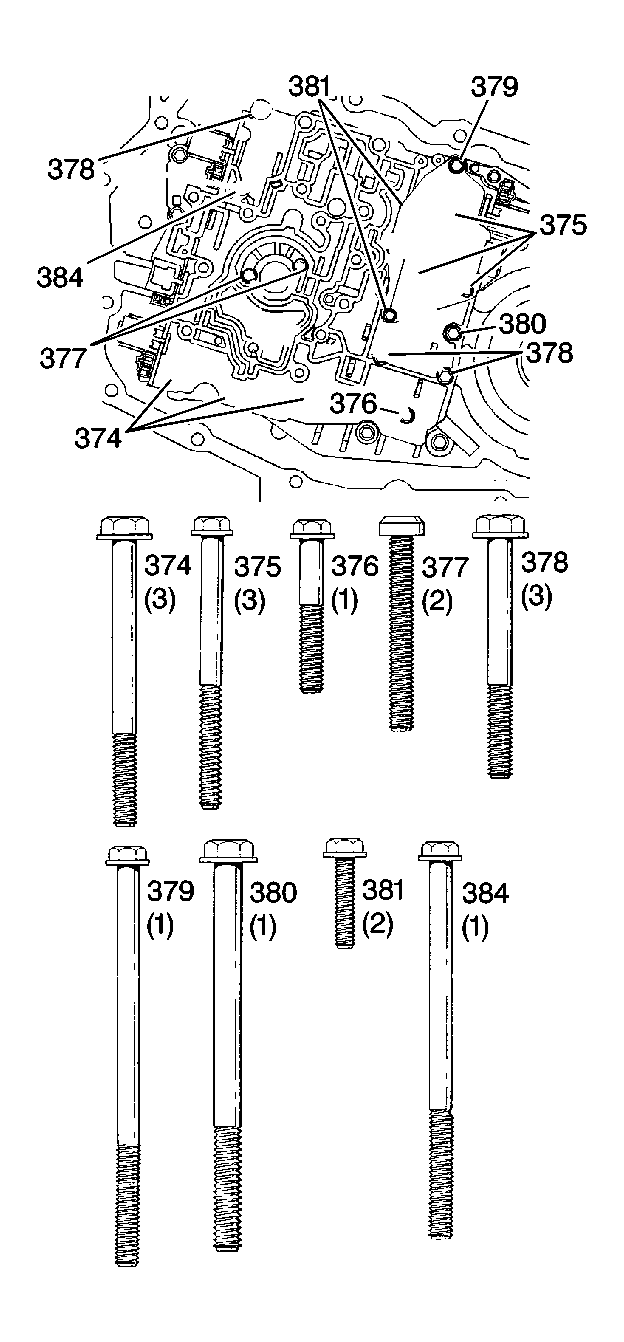 Courtesy of GENERAL MOTORS CORP.
- Remove the valve body to channel plate bolts (374-381, 384).
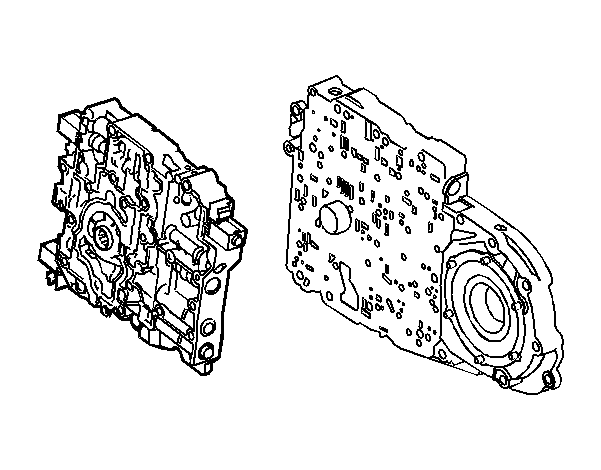 Courtesy of GENERAL MOTORS CORP.
- Remove the valve body. Leave the spacer plate with the transmission.
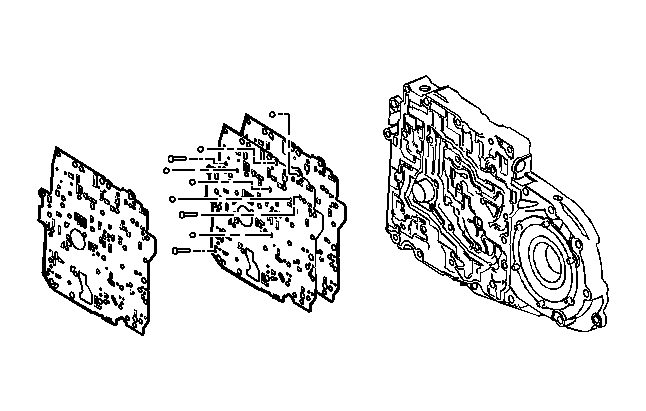 Courtesy of GENERAL MOTORS CORP.
- Remove the spacer plate and the spacer plate gasket, as necessary.
- Remove the solenoid screens.