Center Console: Removal
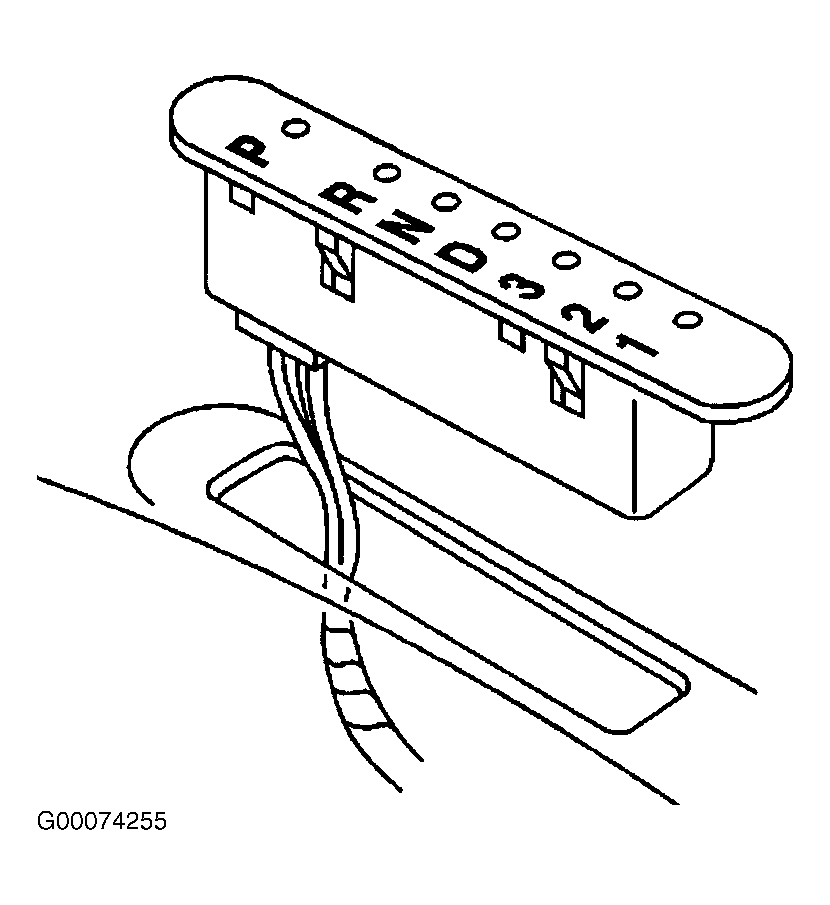
- Remove the gear selector boot from the console. The boot snaps into the console and can be removed by gently pulling up on the front end of the boot. Remove the shift indicator by reaching through the console opening near the gear selector. See Fig 1
. Remove the connector from the shift indicator.
- Remove the winter mode switch. See WINTER MODE SWITCH
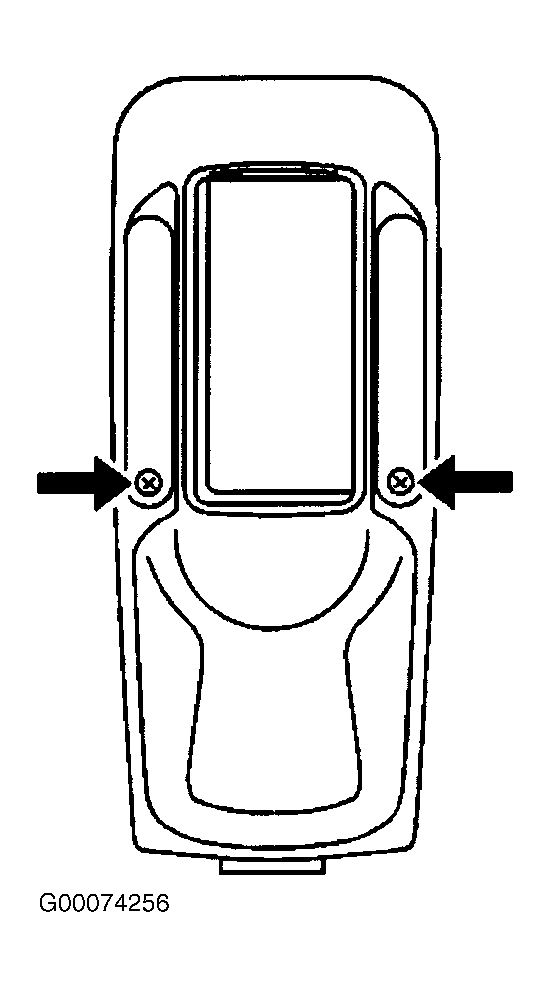
. Remove the console trim plate screws. See Fig 2
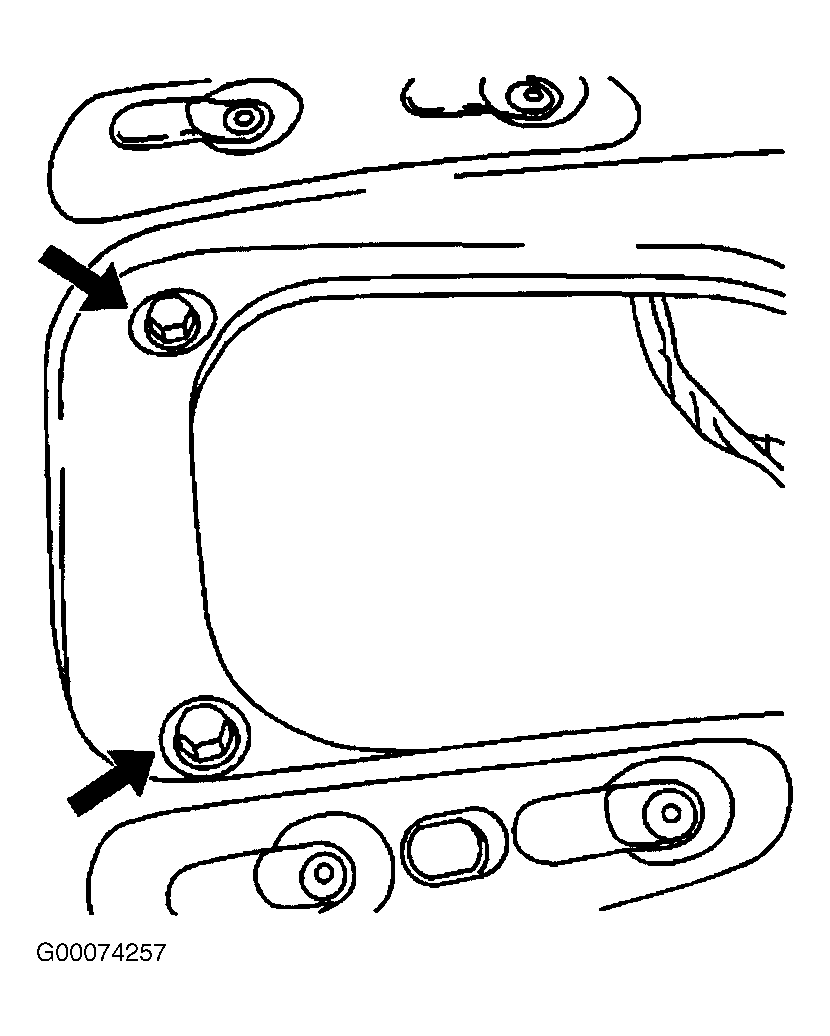
. Move the console trim plate forward to access the front mounted console bolts. Remove the bolts mounted in the front of the console. See Fig 3
.
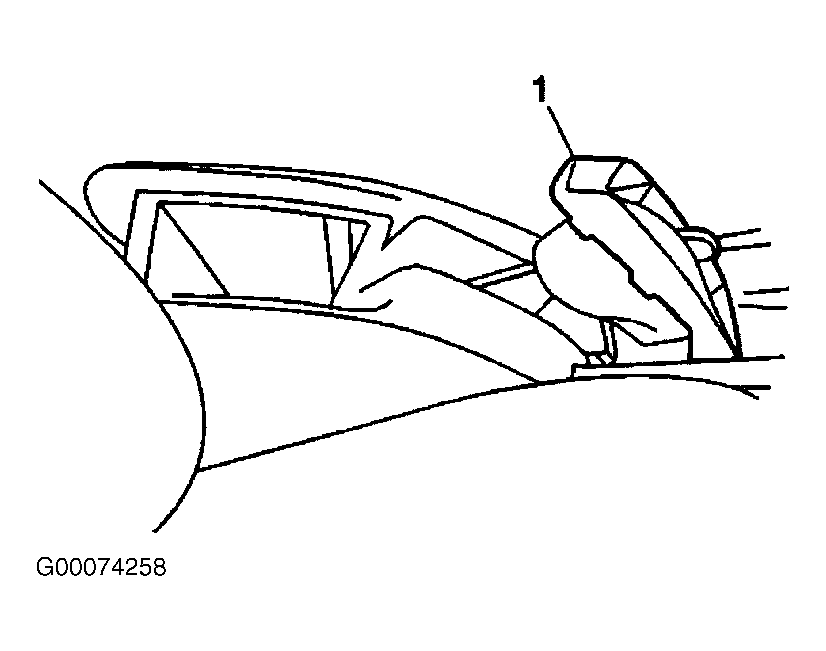
- Remove the park brake boot (1) by carefully prying on sides of boot. See Fig 4
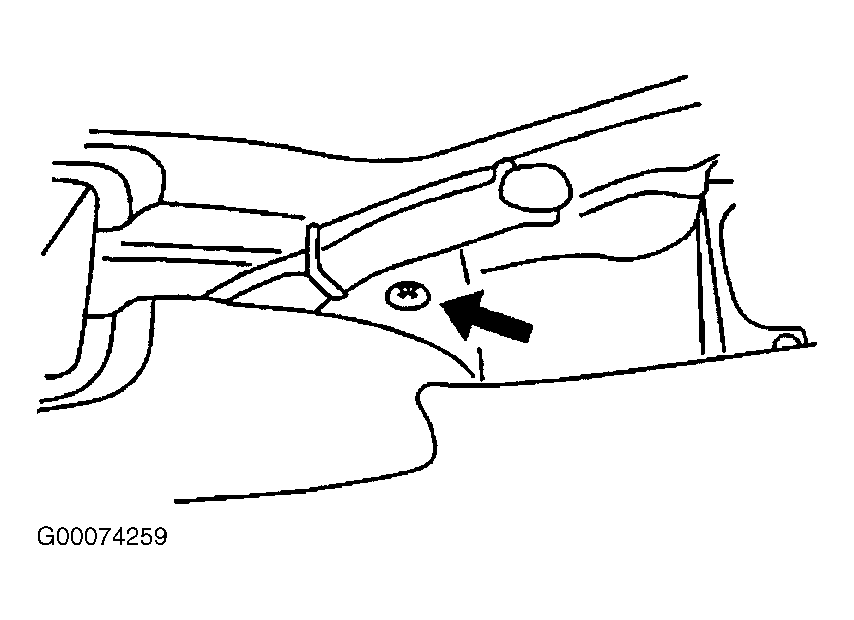
. Remove the screw from the center of the park brake trim panel. See Fig 5
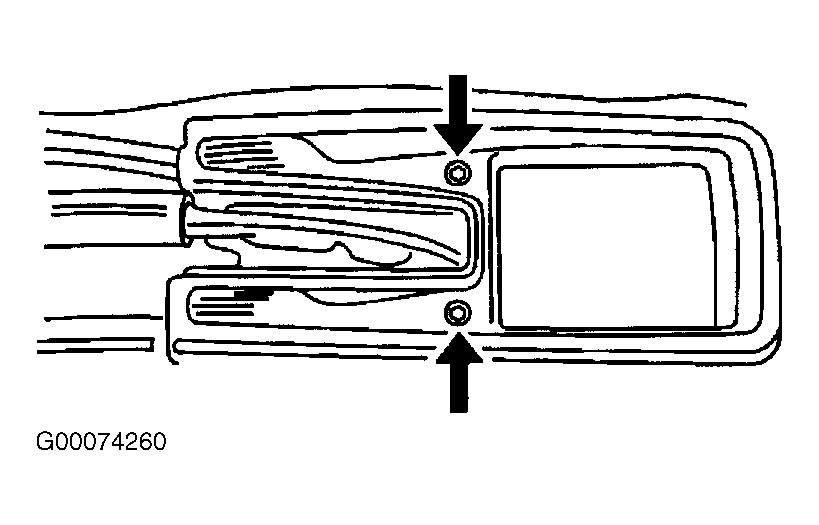
. Remove the bolts mounted in the rear of the console. See Fig 6
. Remove the console.
 Courtesy of GENERAL MOTORS CORP.
 Courtesy of GENERAL MOTORS CORP.
 Courtesy of GENERAL MOTORS CORP.
 Courtesy of GENERAL MOTORS CORP.
 Courtesy of GENERAL MOTORS CORP.
 Courtesy of GENERAL MOTORS CORP.