FixVault
Home
›
Cadillac
›
2006
›
STS V
›
Repair and Diagnosis
›
Accessories & Equipment
›
Infotainment
›
Navigation Systems
›
Repair Instructions
›
Auxiliary Audio/Video Input Control Replacement
›
Installation Procedure
Installation Procedure
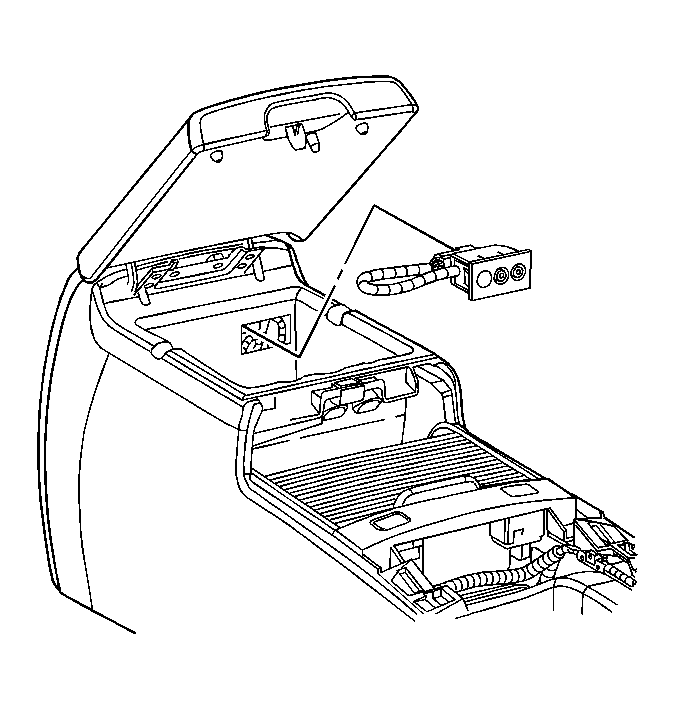
Fig 1: View Of Auxiliary Video Jack
Courtesy of GENERAL MOTORS CORP.
Disconnect the electrical connector.
Push the audio video jack into the center floor console bin in order to secure the locking tabs on the jack.
 Courtesy of GENERAL MOTORS CORP.