Planet Assembly: Disassembly
 Courtesy of FORD MOTOR CO.
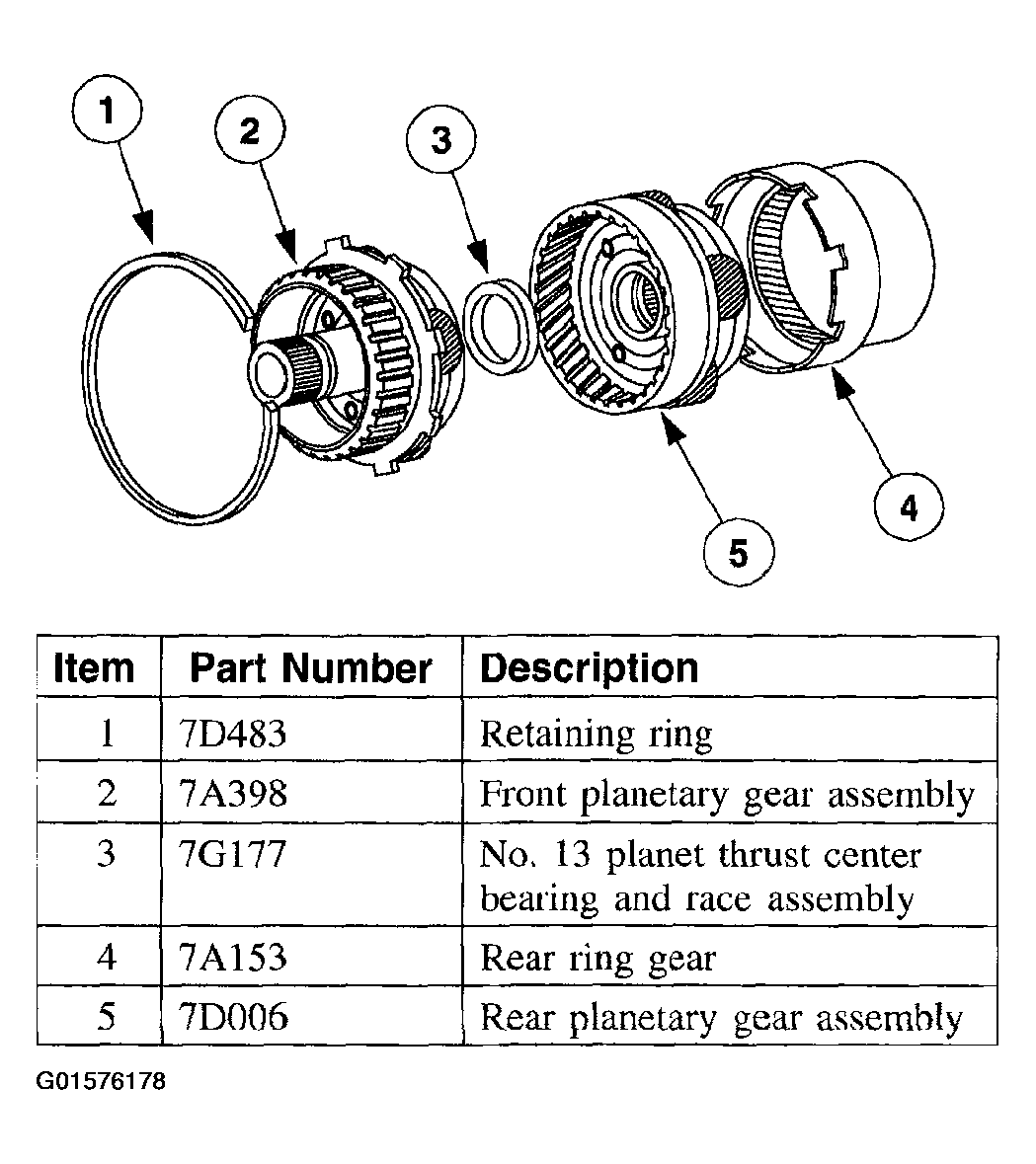
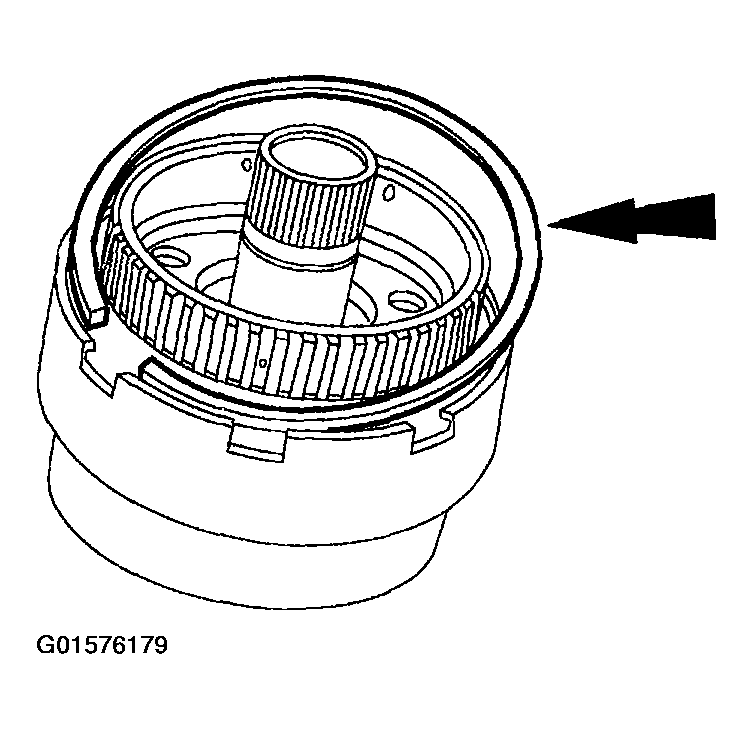
- Remove the retaining ring.
 Courtesy of FORD MOTOR CO.
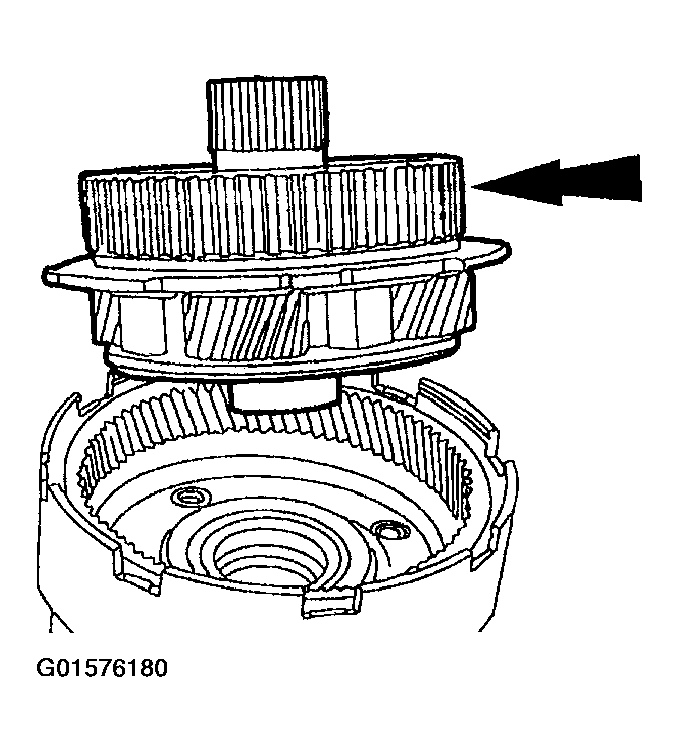
- Remove the front planet gear assembly. Clean and inspect for looseness and discoloration of the pinion gears or wear on the bearings. Repair as required.
 Courtesy of FORD MOTOR CO.
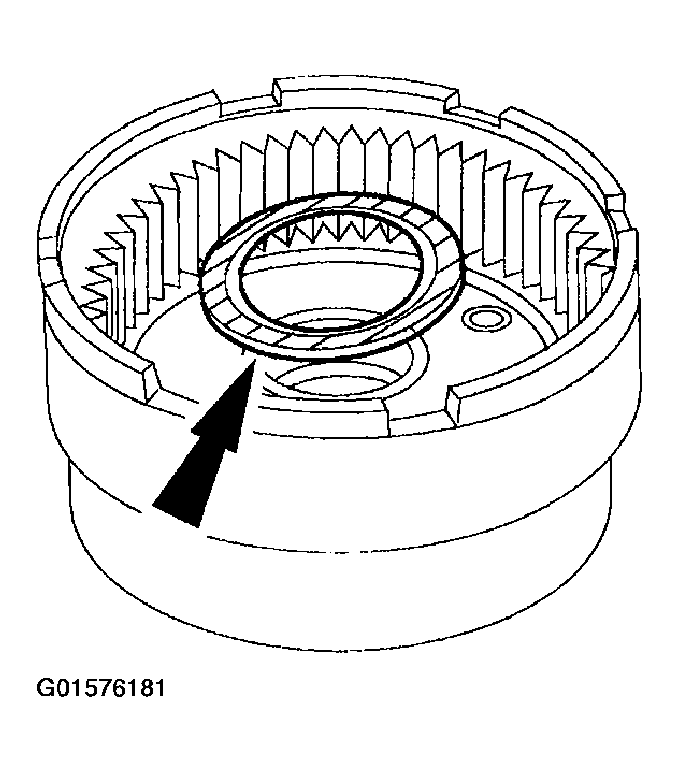
- Remove the No. 13 needle bearing.
 Courtesy of FORD MOTOR CO.
- Remove the reverse planet.
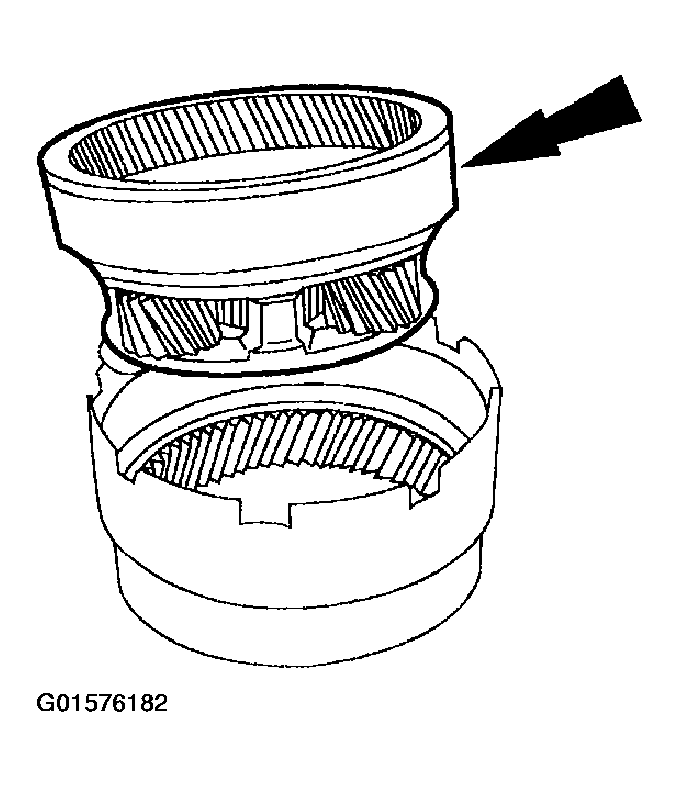 Courtesy of FORD MOTOR CO.
- Clean and inspect the reverse planet for looseness and/or discoloration of the planet gears or wear on the bushings or bearings. Repair as required.
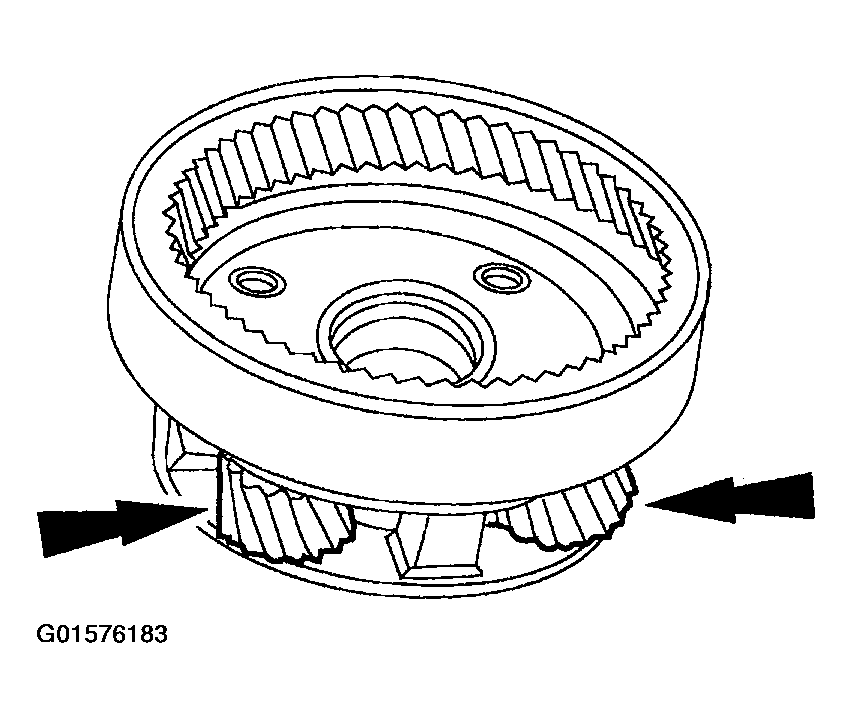 Courtesy of FORD MOTOR CO.