Antenna Status Check
- Connect the cable of GDS to the data link connector in driver side crash pad lower panel.
- Select the "Antenna Status Check".
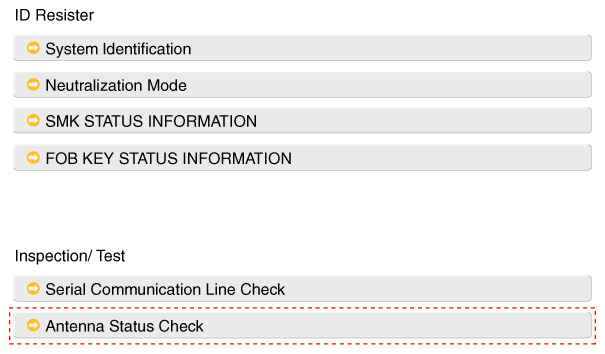 Courtesy of Courtesy of
|
- After IG ON, select the "Antenna Status Check".
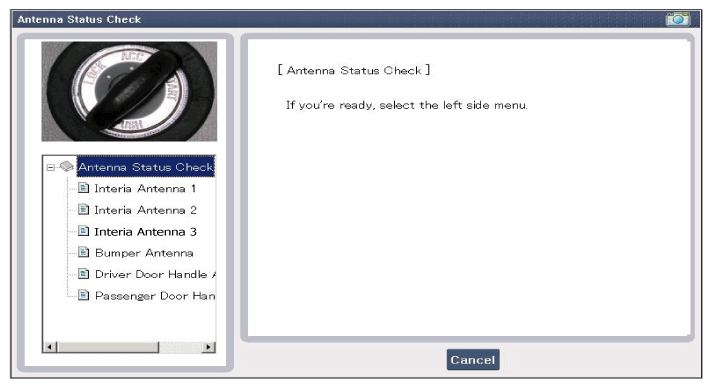 Courtesy of Courtesy of
|
- Set the smart key n ear the related antenna and operate it with a GDS.
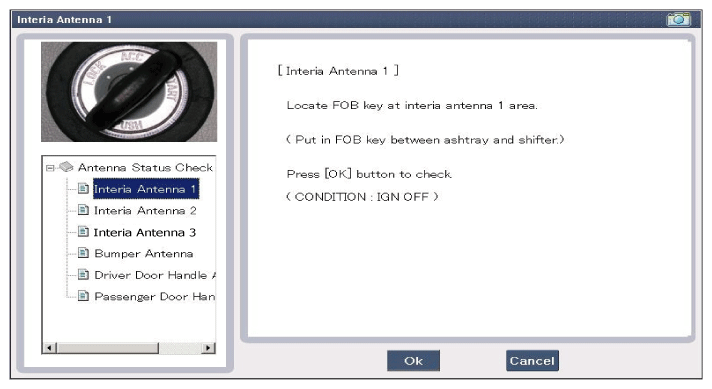 Courtesy of Courtesy of
|
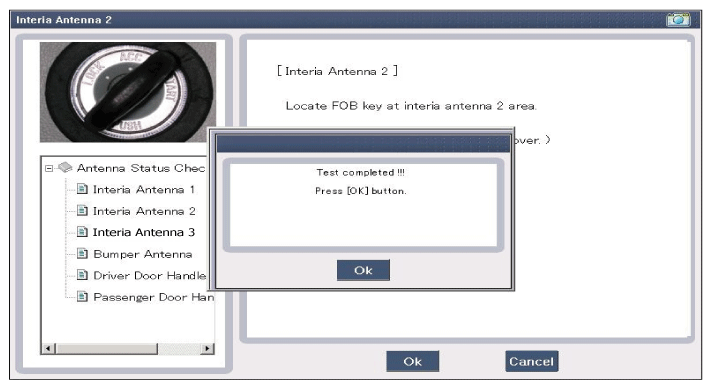 Courtesy of Courtesy of
|
- If the smart key runs normal, the related antenna, smart key (transmission, reception) and exterior receiver are normal.
- Antenna status
- INTERIOR Antenna 1
- INTERIOR Antenna 2
- INTERIOR Antenna 3
- BUMPER/Trunk Antenna
- DRV_DR Antenna
- AST_DR Antenna