Installation Procedure
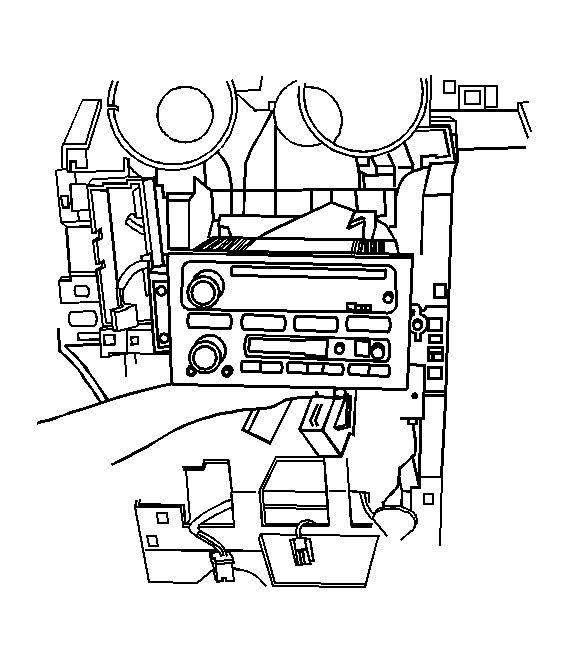 Courtesy of GENERAL MOTORS CORP.
- Align the radio with the center stack and mounting holes.
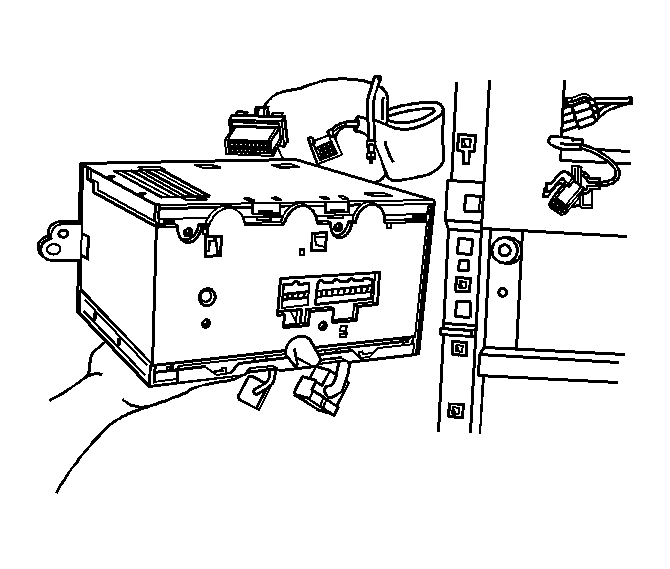 Courtesy of GENERAL MOTORS CORP.
- Connect the electrical connectors and the antenna connectors from the rear of the radio.
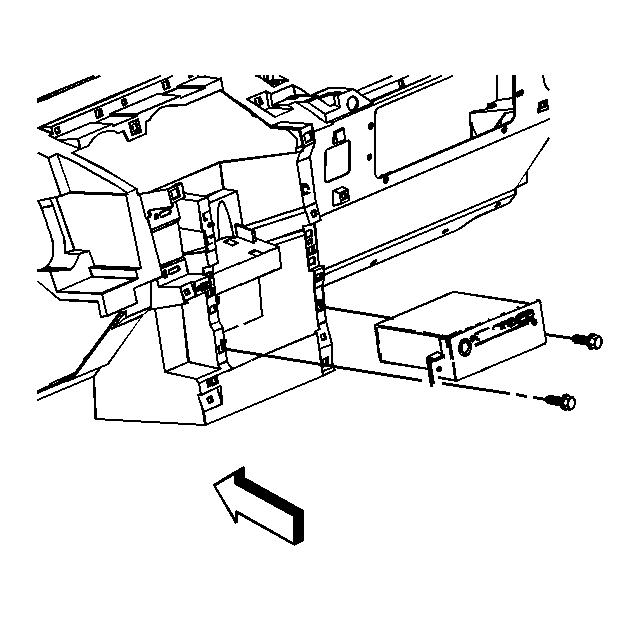 Courtesy of GENERAL MOTORS CORP.
- Install the bolts that hold the radio to the I/P center stack.
- Align the trim panel I/P center to the I/P. Refer to Trim Panel Replacement - Instrument Panel (I/P) Center
in Instrument Panel, Gages, and Console.
- Align and move the forward center console in place with the center console bracket. Refer to Console Replacement
in Instrument Panel, Gages and Console.
- Setup the new radio assembly. Refer to Control Module References
in Computer/Integrating Systems.