Charging System Test Procedure
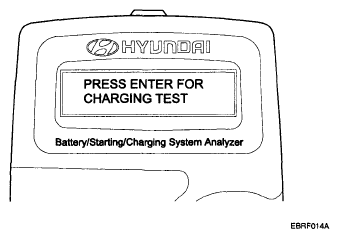
- Press ENTER to begin charging system test.
 Courtesy of HYUNDAI MOTOR CO.
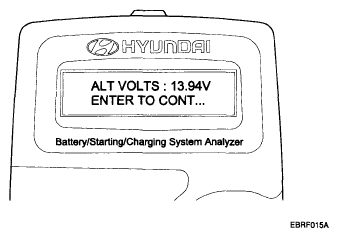
- ENTER button is pressed, the tester displays the actual voltage of alternator. Press ENTER to test the charging system.
 Courtesy of HYUNDAI MOTOR CO.
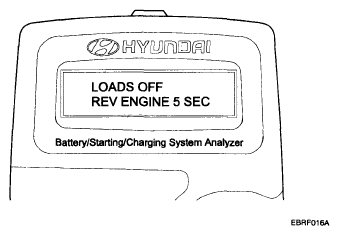
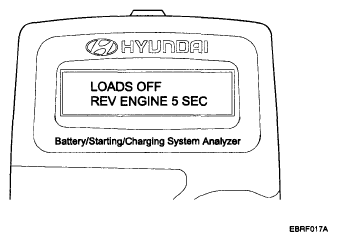
- Turn off all electrical load and rev engine for 5 seconds by pressing the accelerator pedal.
 Courtesy of HYUNDAI MOTOR CO.
- Press ENTER.
 Courtesy of HYUNDAI MOTOR CO.
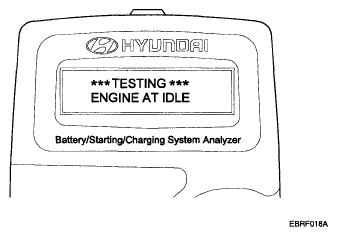
- The MICRO 570 analyzer charging system output at idle for comparison to other readings.
 Courtesy of HYUNDAI MOTOR CO.
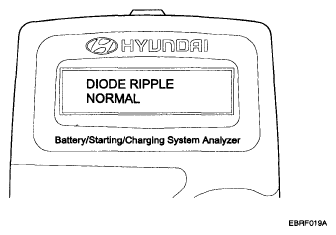
- Take a relevant action according to the test results by referring to the table below after shutting off the engine and disconnect the tester clamps from the battery.
 Courtesy of HYUNDAI MOTOR CO.