Operation Procedure
- Connect CONSULT-II and CONSULT-II CONVERTER to data link connector and start the engine.
- Touch "START" on the display.
- Touch "VDC" and "ACTIVE TEST".
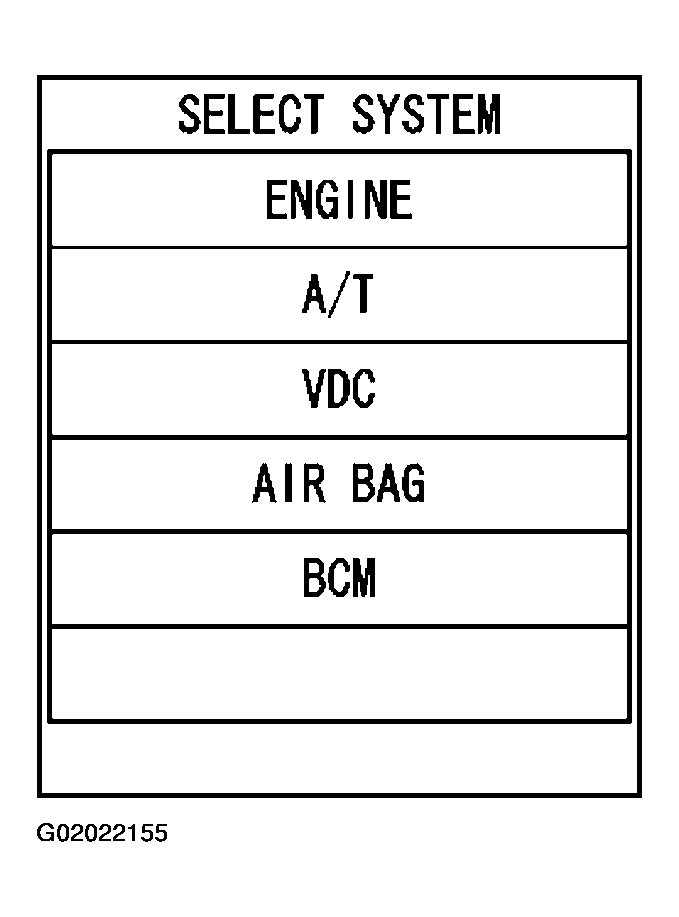 Courtesy of NISSAN MOTOR CO., U.S.A.
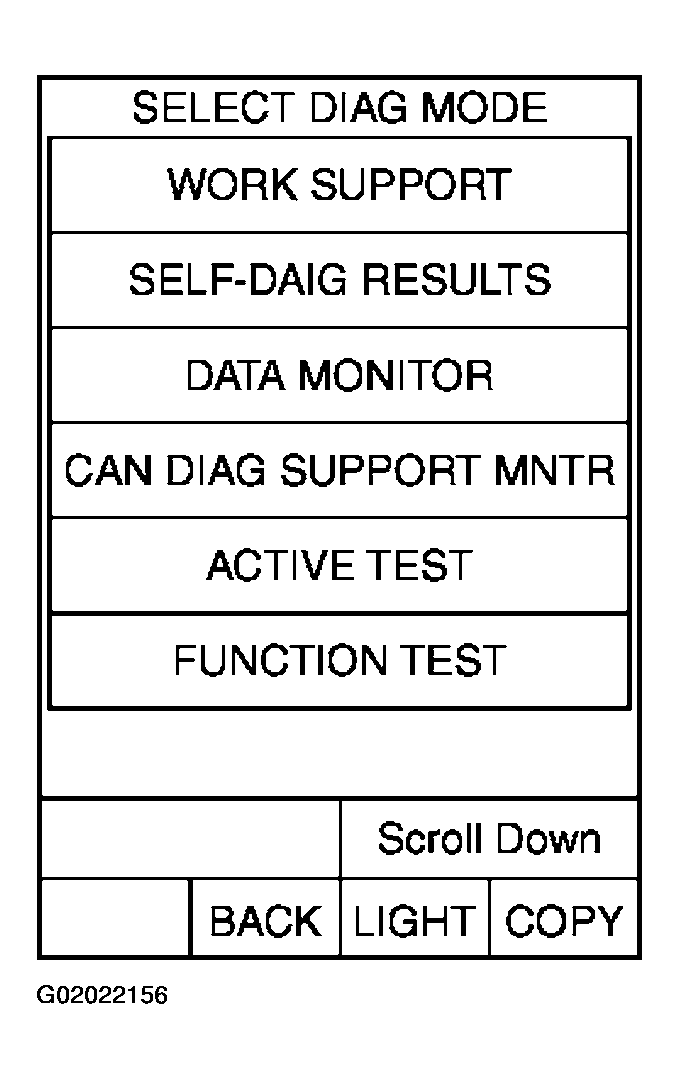 Courtesy of NISSAN MOTOR CO., U.S.A.
- Test item selection screen is displayed.
- Touch necessary test item.
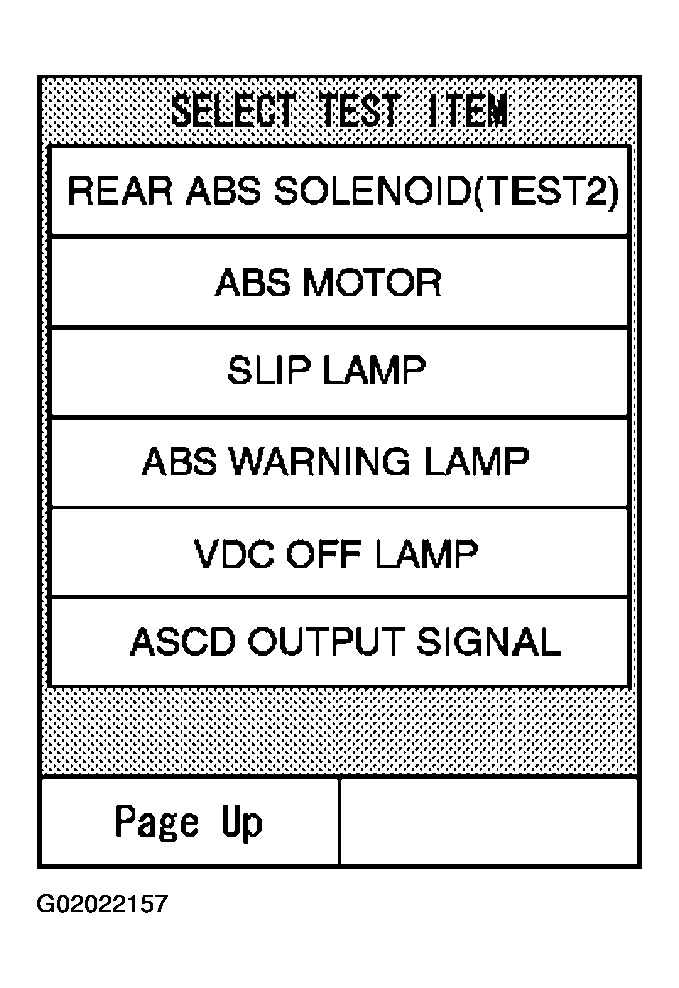 Courtesy of NISSAN MOTOR CO., U.S.A.
- Touch "START" with "MAIN SIGNALS" line inverted.
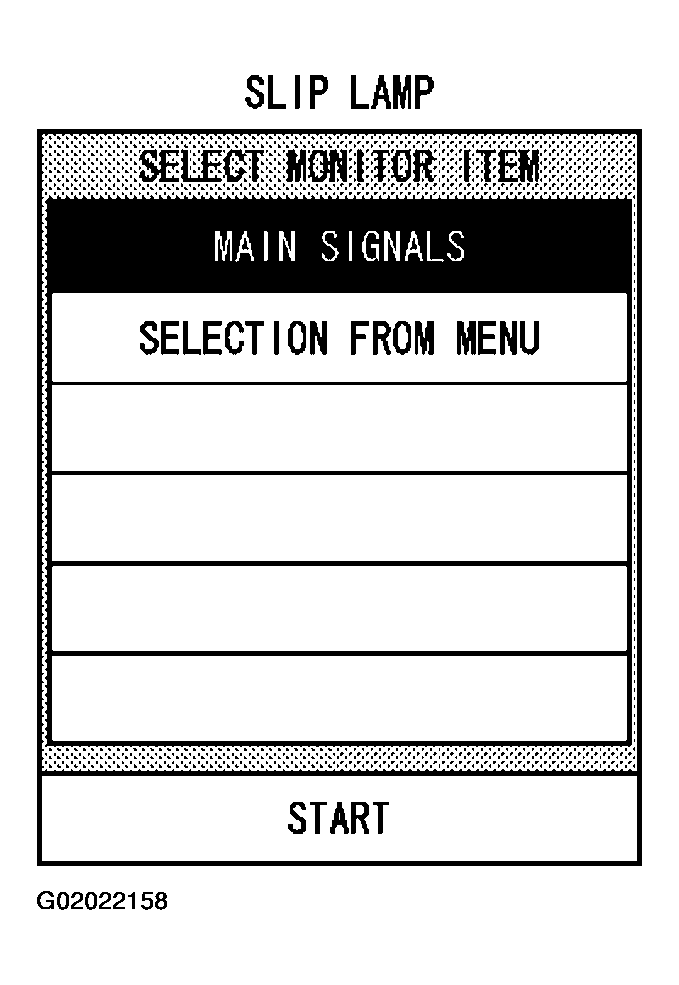 Courtesy of NISSAN MOTOR CO., U.S.A.
- Active test screen is displayed.
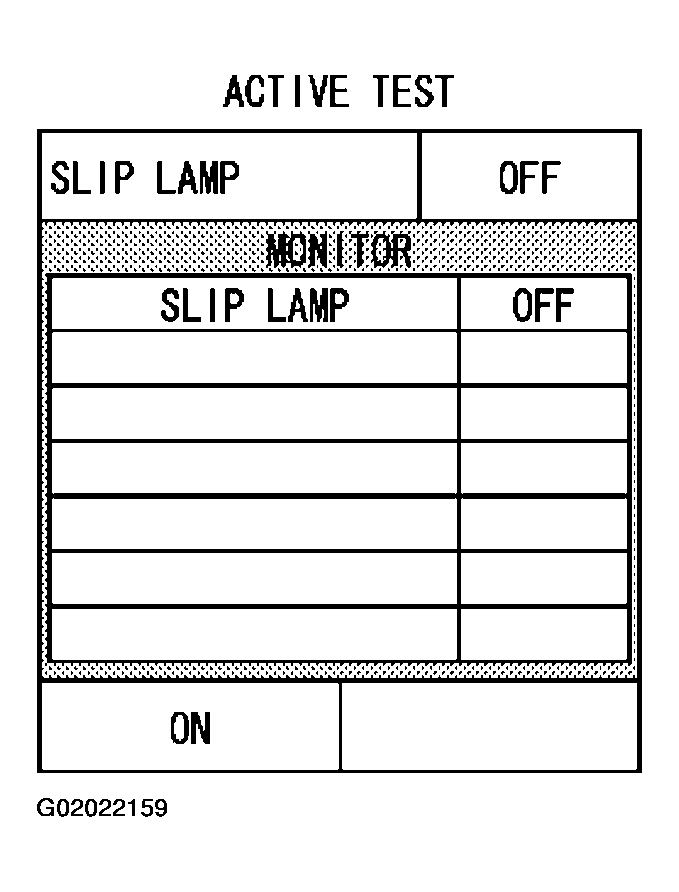 Courtesy of NISSAN MOTOR CO., U.S.A.