Consult-II Basic Operation Procedure
- Turn ignition switch "OFF".
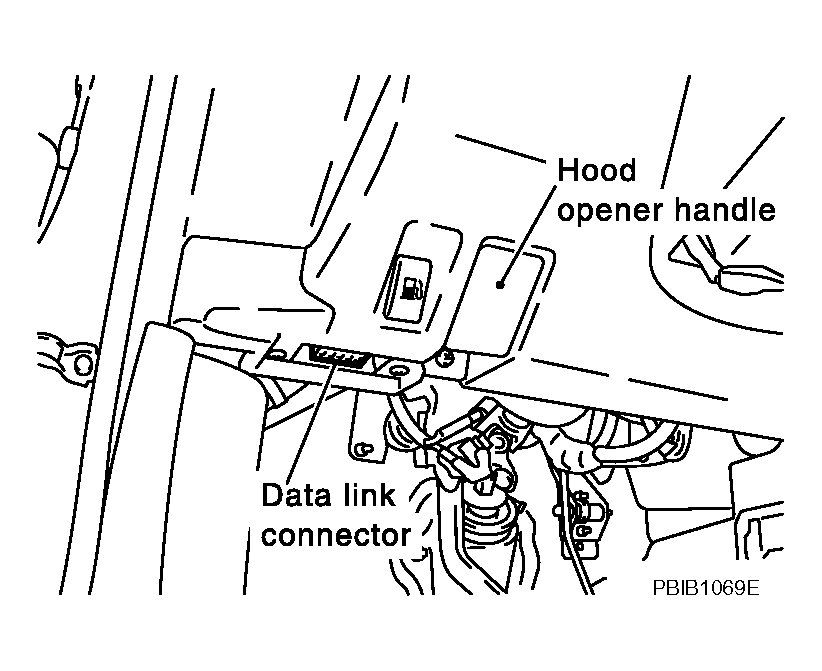
- Connect "CONSULT-II" and "CONSULT-II CONVERTER" to data link connector.
 Courtesy of NISSAN MOTOR CO., U.S.A.
- Turn ignition switch "ON".
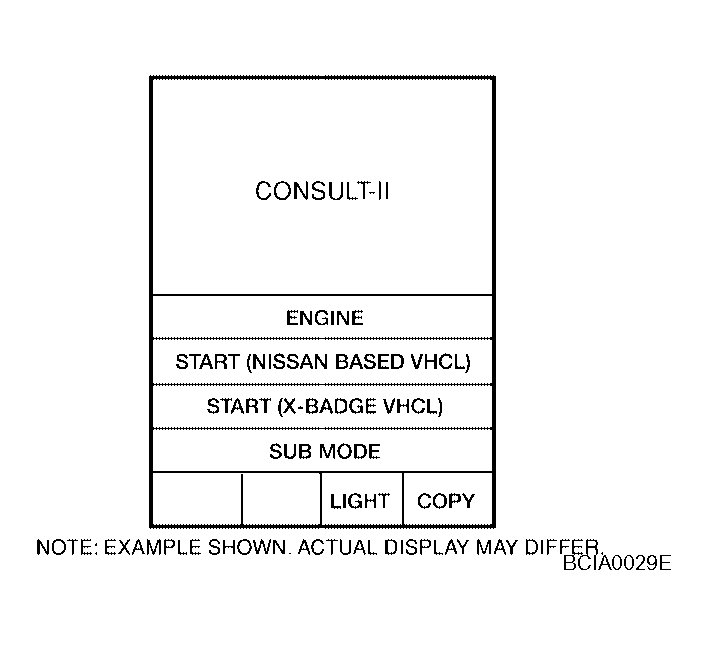
- Touch "START (NISSAN BASED VHCL)".
 Courtesy of NISSAN MOTOR CO., U.S.A.
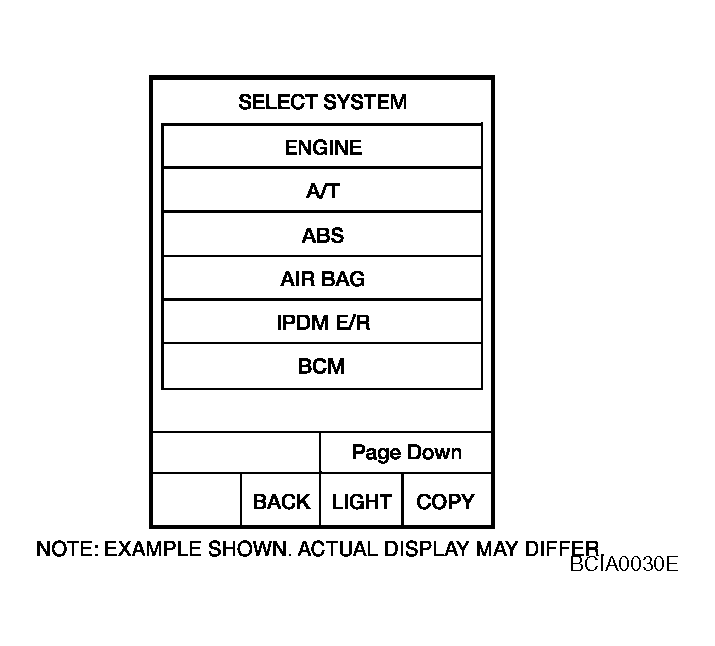
- Touch "IVMS" on the "SELECT SYSTEM" screen. If "IVMS" is not indicated, go to Refer to
"CONSULT-II DATE LINK CONNECTOR (DLC) CIRCUIT
".
 Courtesy of NISSAN MOTOR CO., U.S.A.
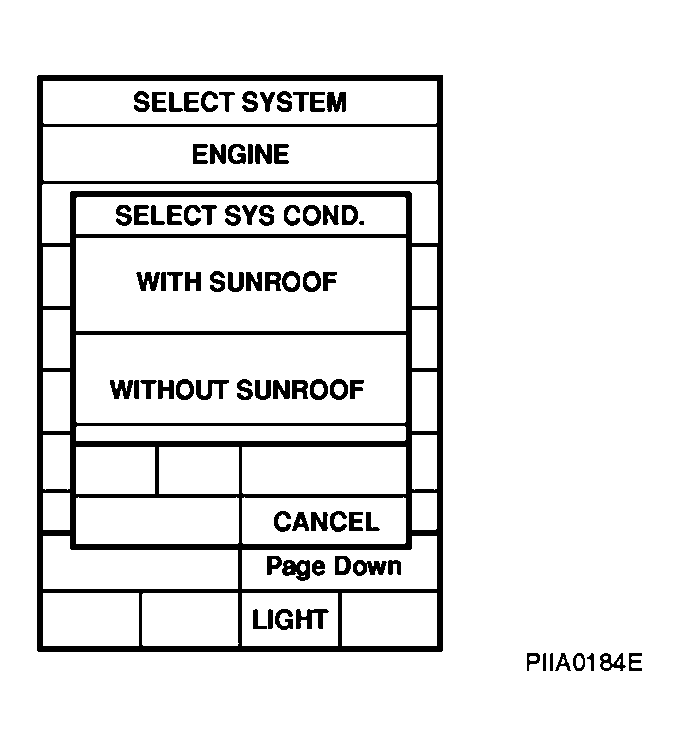
- Check the model specification, and touch either "WITH SUNROOF" or "WITHOUT SUNROOF" on the "SELECT SYS COND" screen.
- Touch "OK". If the selection is wrong, touch "CANCEL".
- Select the desired part to be diagnosed on the "SELECT TEST ITEM" screen.
 Courtesy of NISSAN MOTOR CO., U.S.A.