Navigation System Compact Disc (Cd) Unit: Removal
- Disconnect the battery ground cable.
- Remove trunk RH side liner. Refer to LUGGAGE COMPARTMENT SIDE TRIM PANEL
.
- Disconnect three connectors from side of amplifier unit (premium audio only).
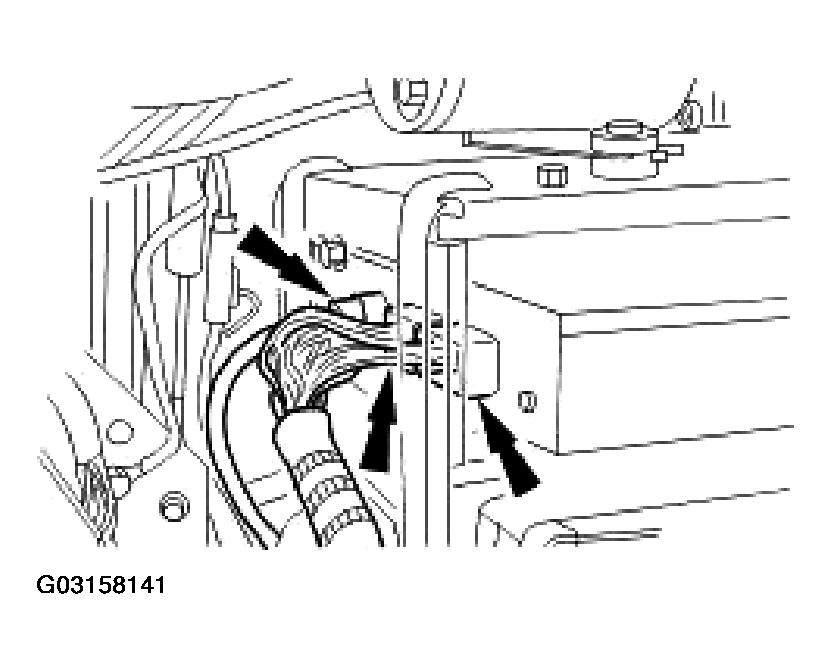 Courtesy of JAGUAR CARS, INC.
- Remove four bolts securing audio/DVD reader module stack to mounting frame.
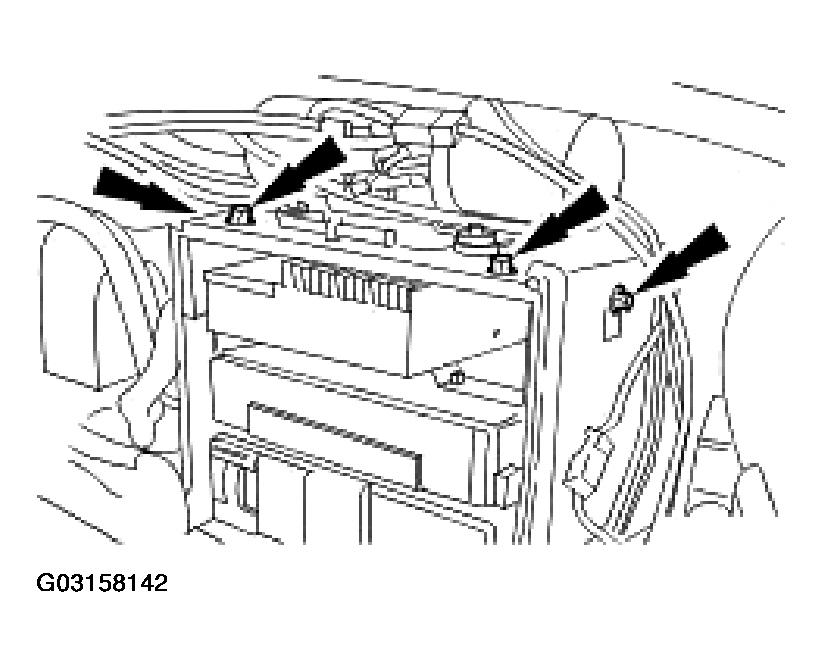 Courtesy of JAGUAR CARS, INC.
- Carefully withdraw audio/DVD reader module stack and disconnect four connectors from rear of DVD reader module.
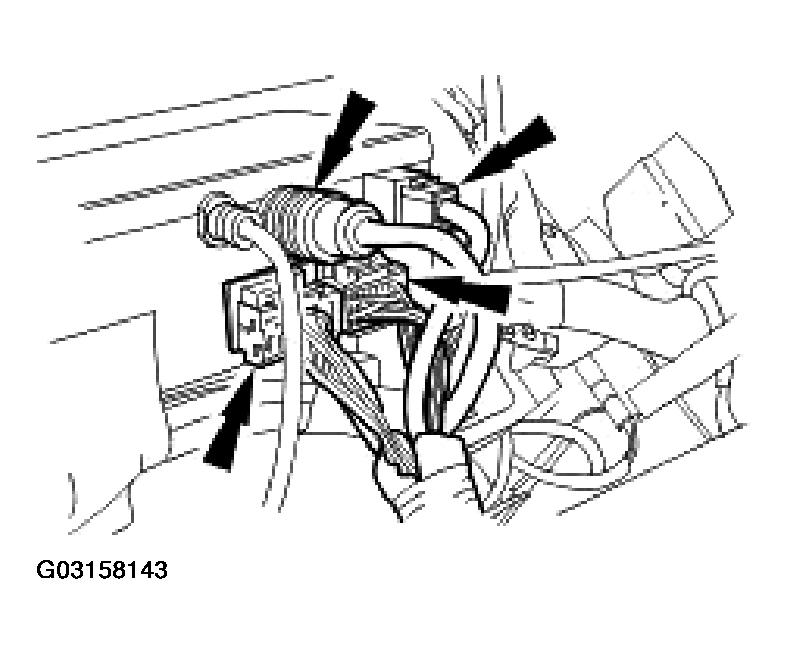 Courtesy of JAGUAR CARS, INC.
- Remove audio/DVD reader module stack from trunk.
- Remove four DVD reader module to mounting bracket screws and withdraw module from bracket.
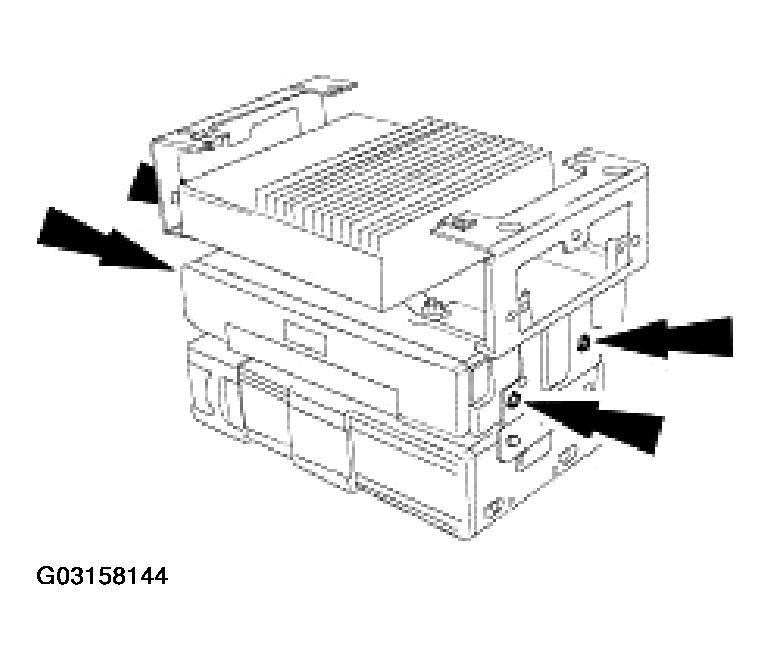 Courtesy of JAGUAR CARS, INC.