Navigation System Display Module: Removal
- Disconnect the battery ground cable.
- Position protective tape along adjacent veneer edges.
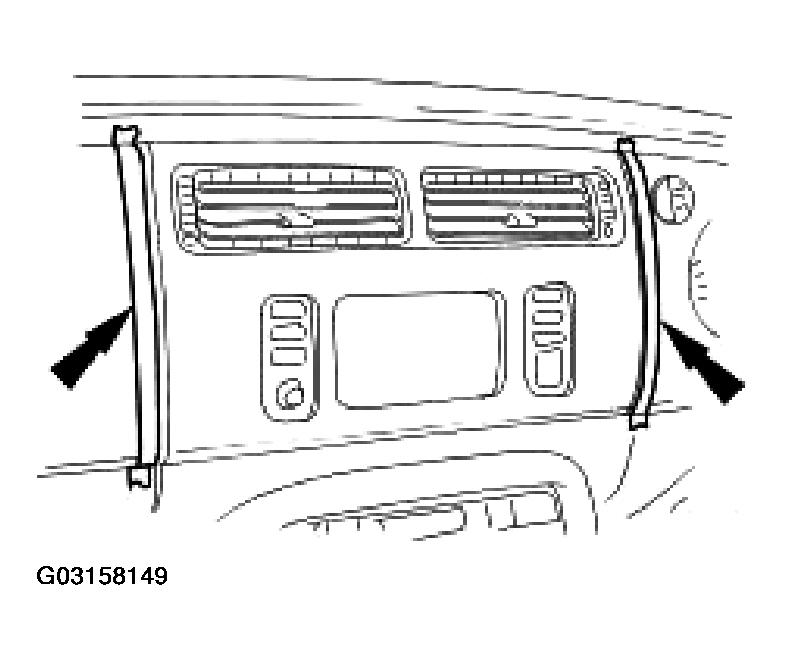 Courtesy of JAGUAR CARS, INC.
- Commencing at bottom, use a thin plastic blade to release four center veneer clips.
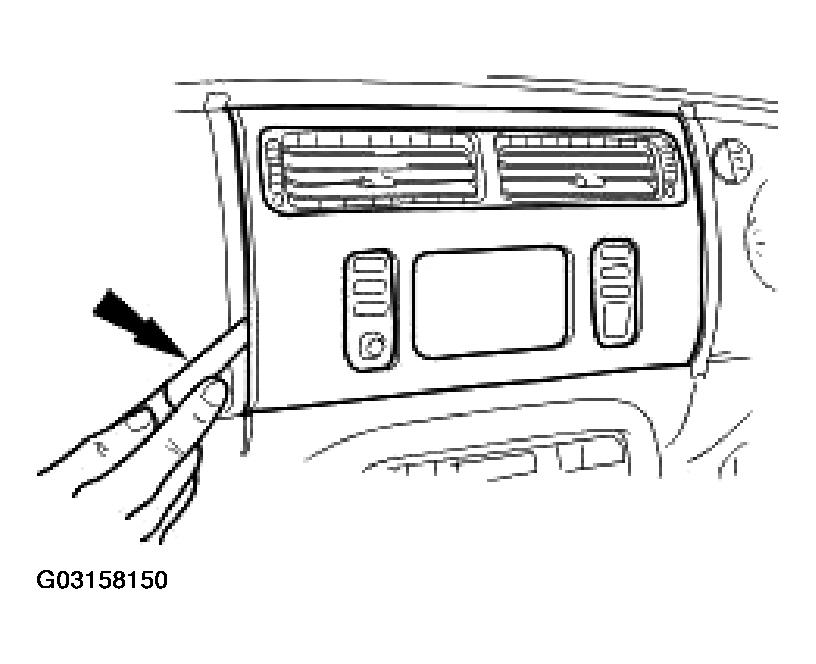 Courtesy of JAGUAR CARS, INC.
- Remove the four display and controls panel to fascia screws.
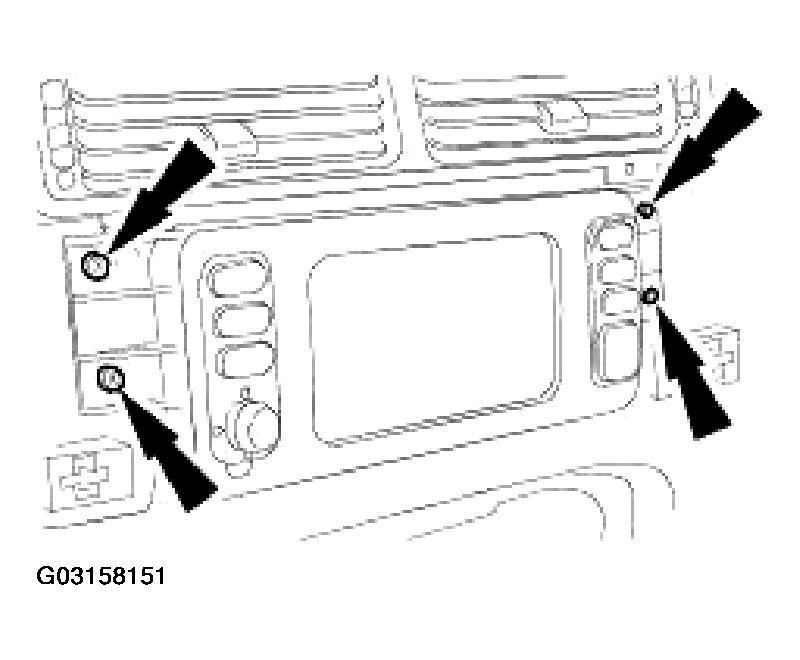 Courtesy of JAGUAR CARS, INC.
- Remove Panel.
- Partially withdraw panel for access.
- Depressing tangs, disconnect harness connectors.
- Remove panel from fascia
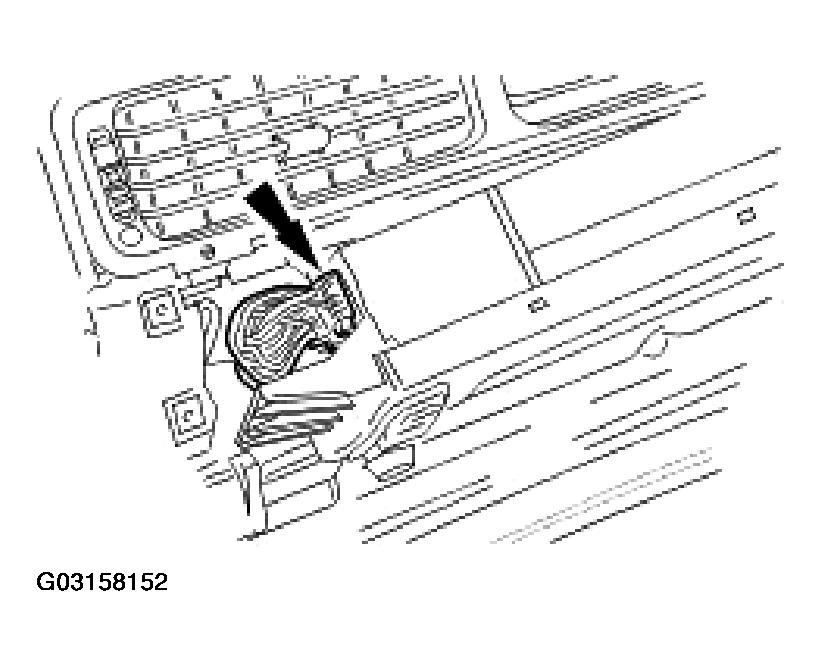 Courtesy of JAGUAR CARS, INC.