Monitor KDS/GDS Data
WARNING: This page is about a different car, the 2017 Kia Niro. However, it is still accessible from the selected car via links, so may be relevant.
| Inspection Condition |
Inspection Procedure |
Reference |
- Ignition "ON", engine "OFF".
|
- Connect KDS/GDS to Data Link Connector (DLC).
- Perform "Vehicle S/W Management" of concerned component with KDS/GDS (below).
|
Fig 1 to Fig 2 |
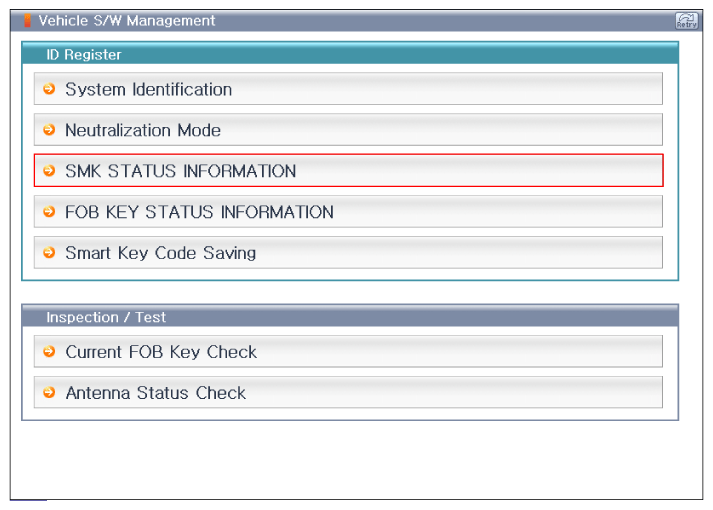 Courtesy of KIA MOTORS AMERICA, INC.
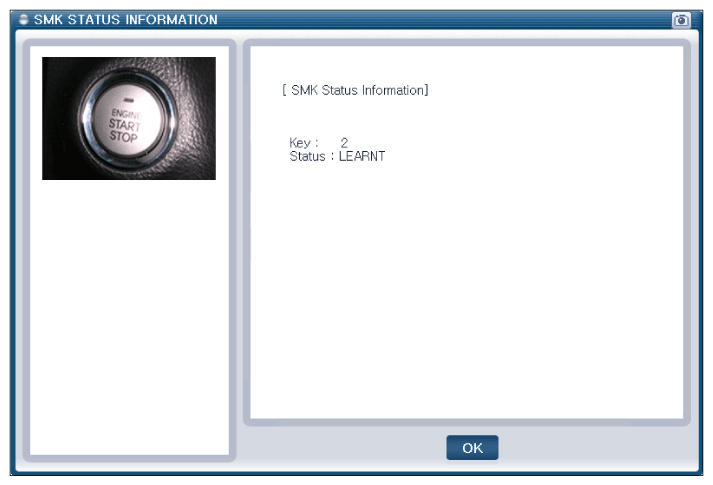 Courtesy of KIA MOTORS AMERICA, INC.
| Good |
- Fault might be intermittent and caused either by poor contact in connectors or wiring harness, or it has been repaired and control module memory is not cleared yet. Thoroughly check terminal of battery, all connectors (and connections) for looseness, bending, corrosion, contamination, deterioration, and/or damage.
- Repair or replace as necessary and go to "VERIFICATION OF REPAIR " procedure.
|
| No Good |
|