No.4 PCM Replacement Procedure: Procedure
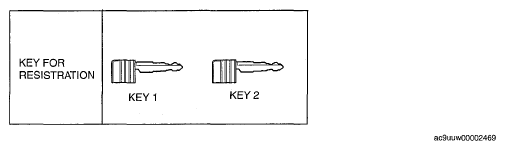 Courtesy of MAZDA MOTORS CORP.
- Turn the ignition switch to the LOCK position.
- Connect the M-MDS to the DLC-2. (See
M-MDS menu .)
- Using a valid key 1 or card key 1, turn the ignition switch to the ON position.
NOTE:
- Although the security light remains illuminated and DTC 23 is displayed after approx. 1 min, this does not indicate an improper procedure. Continue to perform the procedure as indicated.
- Verify that the keyless warning light illuminates for approx. 3 s,
and then goes out.
- After the vehicle is identified, select the following items from the initial screen of the M-MDS.
- When using the IDS (laptop PC)
- Select the "Toolbox" tab.
- Select "Body".
- Select "Security".
- When using the PDS (Pocket PC)
- Then, select items from the screen menu in the following order.
- Select "Parameter Reset" from the M-MDS screen menu and perform the procedure according to the M-MDS screen
- Perform the security access according to the directions on the M-MDS screen. (See
SECURITY ACCESS PROCEDURE .)
- Select the replaced parts according to the directions on the M-MDS.
- If the PCM is replaced: Select "PCM".
NOTE:
- At this time, do not select the other parts from the M-MDS menu.
- After verifying that the PATS function menu is displayed again on the M-MDS screen, select "Exit (From This Menu)" to finish the M-MDS procedure.
- After Step 10, wait 5 s or more,
and then turn the ignition switch to the LOCK position.
- Using key 1, turn the ignition switch to the ON position.
- After verifying that the security light and keyless warning light illuminates for 3 s or more
turn the ignition switch to the LOCK position and remove key 1.
- Verify that the all keys can start the engine for 5 s or more
after the procedure.