Self-Diagnosis Procedure
- Turn ignition switch OFF.
- Connect CONSULT-II and CONSULT-II CONVERTER to data link connector.
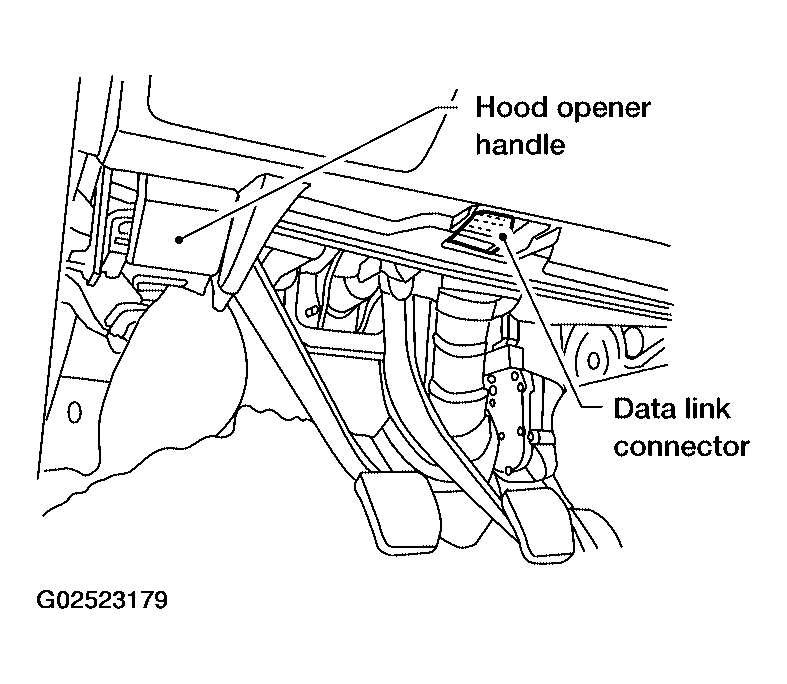 Courtesy of NISSAN MOTOR CO., U.S.A.
- Start engine.
- Drive vehicle over 30 km/h (19 MPH) for at least one minute.
- Stop vehicle with engine running and touch "START (NISSAN BASED VHCL)" on CONSULT-II screen.
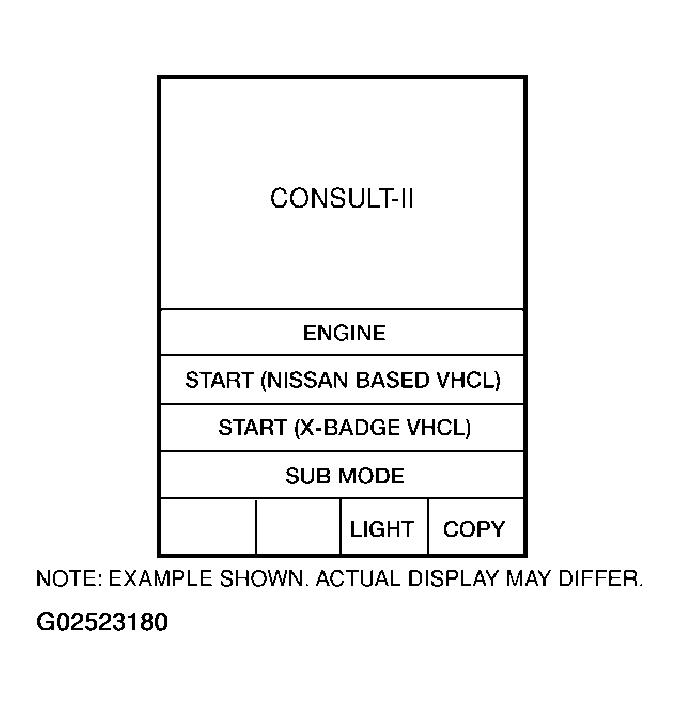 Courtesy of NISSAN MOTOR CO., U.S.A.
- Touch "ABS".
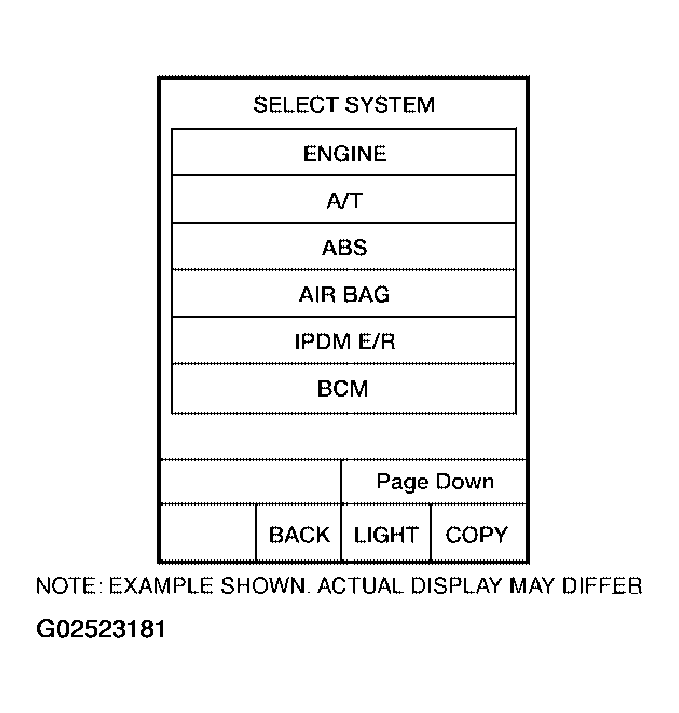 Courtesy of NISSAN MOTOR CO., U.S.A.
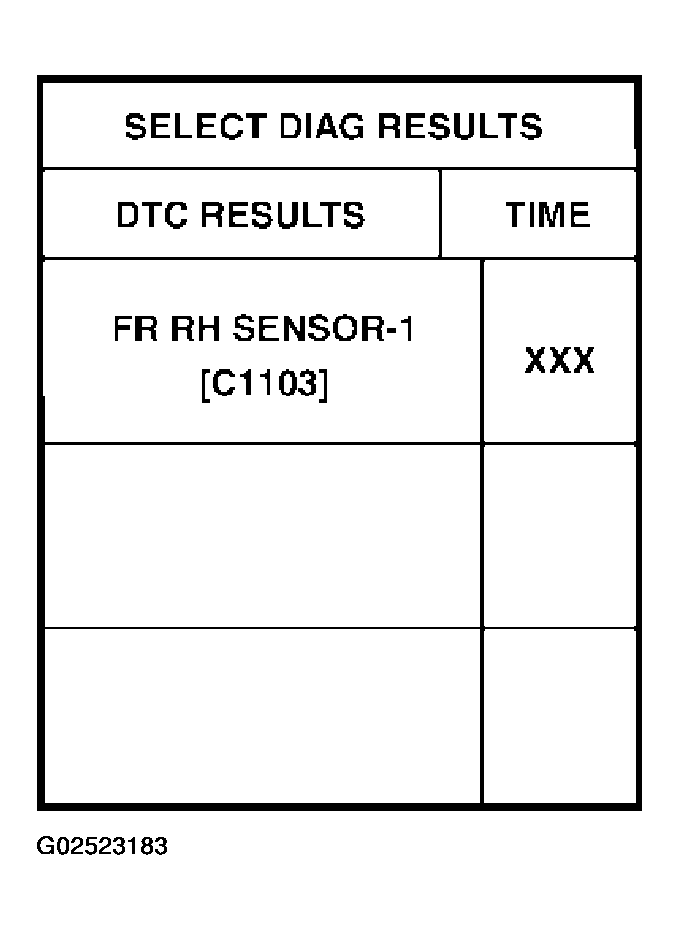
- Touch "SELF-DIAG RESULTS".
- The screen shows the detected malfunction and how many times the ignition switch has been turned since the malfunction.
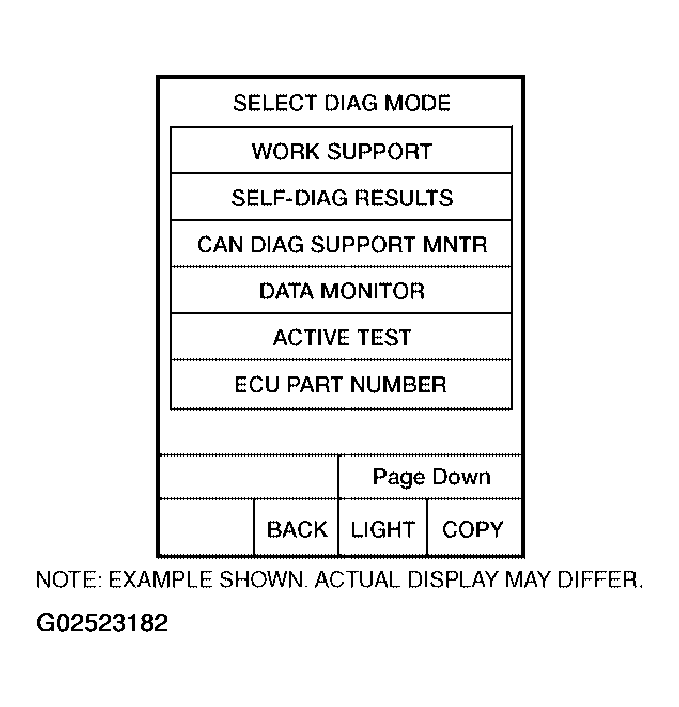 Courtesy of NISSAN MOTOR CO., U.S.A.
- Make the necessary repairs following the diagnostic procedures.
- After the malfunctions are repaired, erase the self-diagnostic results stored in the control unit by touching "ERASE".
- Check ABS warning lamp for deactivation after driving vehicle over 30 km/h (19 MPH) for at least one minute.
 Courtesy of NISSAN MOTOR CO., U.S.A.