FixVault
Home
›
Nissan-Datsun
›
2005
›
Altima SE-R, Standard
›
Repair and Diagnosis
›
Accessories & Equipment
›
Infotainment
›
Audio, Visual, Navigation & Telephone System
›
Navigation System
›
System Description
›
"Tracking" Mode
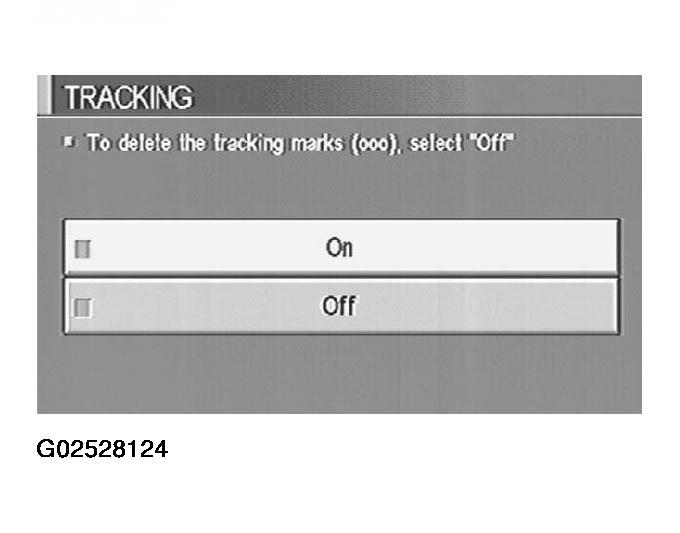
"Tracking" Mode
To delete the tracking marks on the map, select "Off".
To leave the tracking marks on the map, select "On".
NOTE:
When a trail display is turned OFF, trail data is erased from the memory.
Fig 1: Scan Tool Display - Tracking Mode
Courtesy of NISSAN MOTOR CO., U.S.A.
 Courtesy of NISSAN MOTOR CO., U.S.A.