Version Check
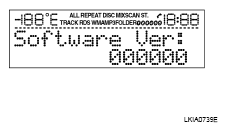
- Press the "AUDIO" switch to enter version diagnostics. Press "AUDIO" switch again to display the "Software Ver:" (audio software version).
 Courtesy of NISSAN MOTOR CO., U.S.A.
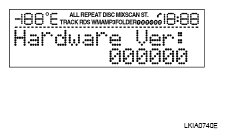
- Press "AUDIO" switch again to display the "Hardware Ver:" (audio hardware version).
 Courtesy of NISSAN MOTOR CO., U.S.A.
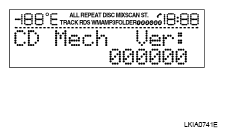
- Press "AUDIO" switch again to display the "CD Mech Ver:" (CD mechanism version).
 Courtesy of NISSAN MOTOR CO., U.S.A.
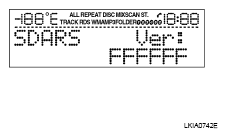
- Press "AUDIO" switch again to display the "SDARS Ver:" (satellite radio tuner version).
 Courtesy of NISSAN MOTOR CO., U.S.A.